



By
Joe Welinske
Why Accessibility That Scales Matters
To deliver inclusive experiences at scale, accessibility can’t just be a one-time initiative: it has to be an operational discipline. One-off fixes fall short in enterprise environments that are managing complex products and sprawling design systems. UX leaders need scalable, systemic accessibility strategies, not last-minute patches.
At Blink UX, we help enterprise teams bring accessibility from the margins into the center of product development. This shift requires embedding accessibility into governance structures, integrating it into team workflows, and ensuring support across departments.
Here’s how we’ve helped organizations successfully mature their accessibility practices, and what UX leaders need in order to drive that change.
Accessibility Is a System, Not a Side Project
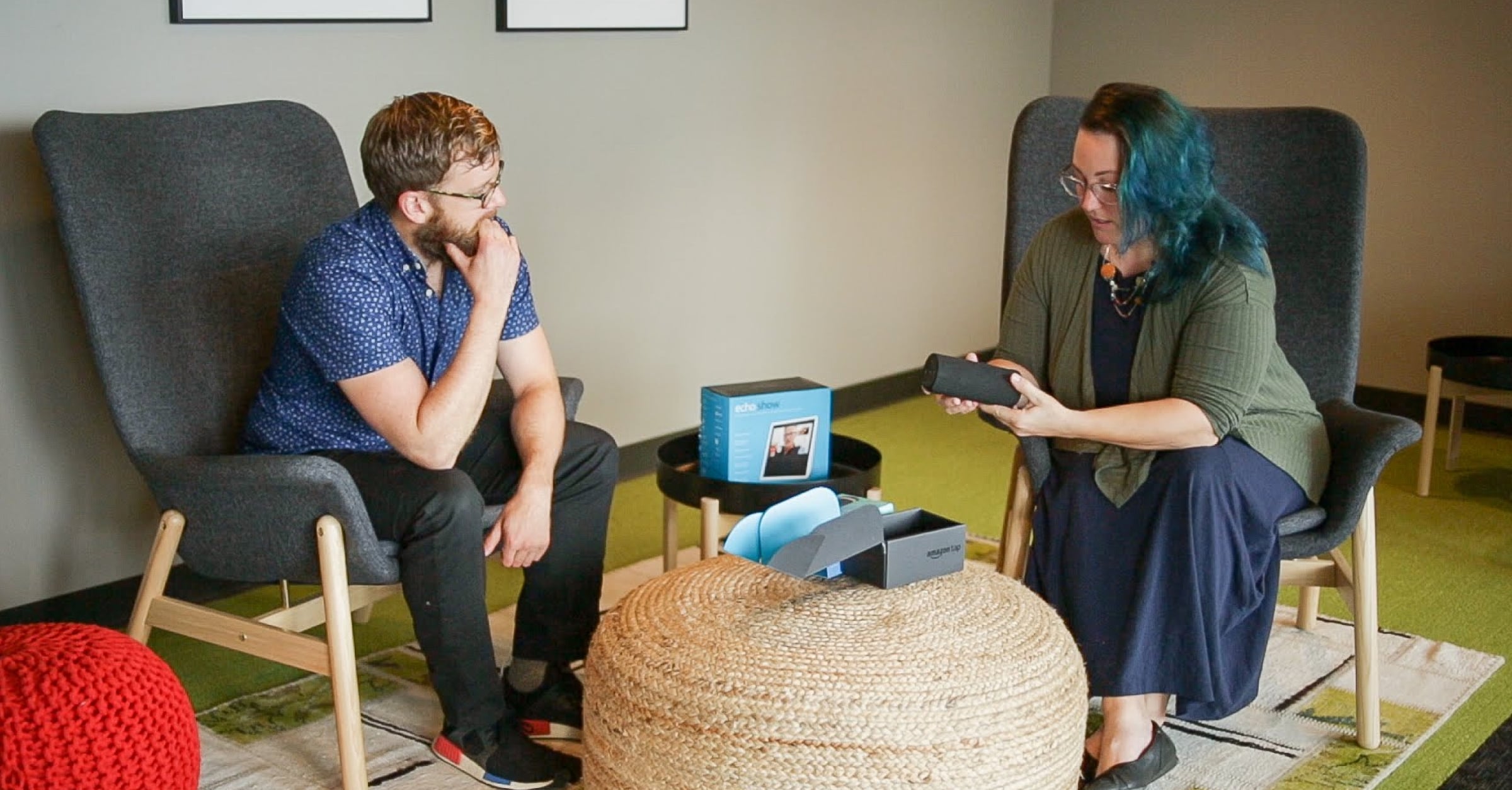
Many UX leaders enter accessibility conversations with the best intentions, but quickly run into structural barriers such as siloed teams, outdated systems, and unclear responsibilities. Passion alone is not enough. A scalable, sustainable approach requires systems thinking and infrastructure that can grow with the business.
That is why we focus on embedding accessibility into every phase of product development and throughout the organization. An effective system aligns accessibility efforts with business goals and creates repeatable, auditable processes that can evolve over time.
"Accessibility needs to be thought of programmatically, systemically, as a big picture thing."
Derek Featherstone, VP of Accessibility and Inclusive Design, Salesforce
5 Pillars of a Mature Accessibility Program
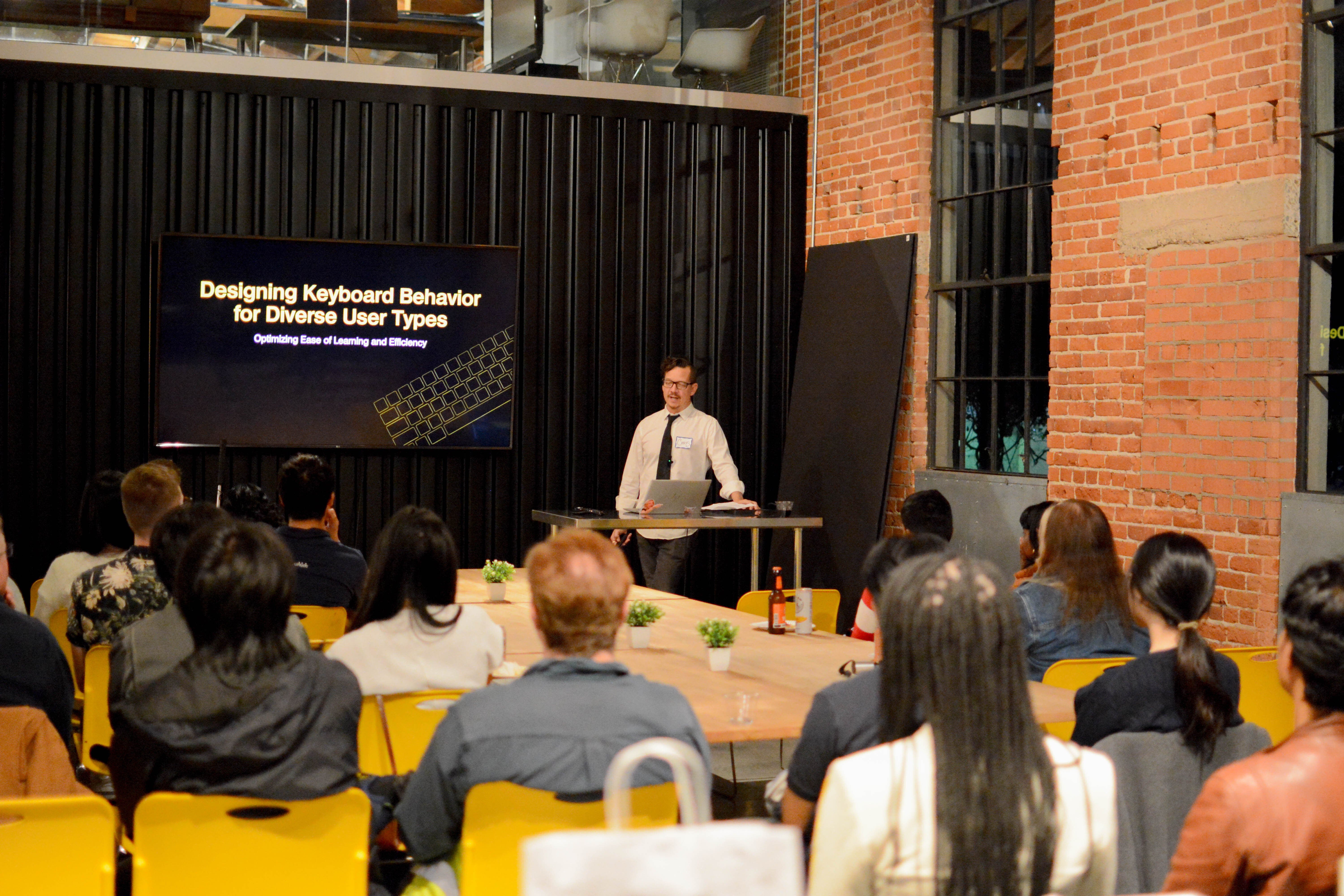
Through our work with organizations like NASA, Expedia, and federal agencies, we have identified five pillars of accessibility maturity.
1. Leadership Engagement and Advocacy
Executive leadership is essential for building a mature accessibility program. Leaders who champion accessibility elevate it from a compliance requirement to a business priority. They help establish direction, secure resources, and communicate its importance throughout the organization.
Example: NASA
When NASA partnered with Blink to redesign dozens of public-facing websites, accessibility was a priority from day one. This decision influenced every stage of the project, from early research to final deployment. The result was a simplified, accessible navigation system that improved usability for all visitors.
Leadership also plays a key role in framing accessibility as a business advantage. Beyond meeting legal requirements, accessible products reach underserved markets, improve employee performance, and reduce risk. Teams that communicate this value clearly are more likely to earn long-term investment.
2. Inclusive Research, Design, and Development
Accessibility should be built into the process from the beginning, not added as an afterthought. Mature teams include users with disabilities early in research, and they continue to collaborate throughout design and development.
Example: Assistive Tech and AI
Blink recently conducted a study on how AI tools affect neurodivergent users, particularly individuals with ADHD, autism, and dyslexia. The study revealed that AI can reduce cognitive load and enhance communication, but only when products are designed with real users in mind.
Early planning leads to better results. NASA’s accessibility-first approach improved the overall design experience. Similarly, our work with smart devices, screen readers, and neurodiverse users has repeatedly shown that inclusive design creates better outcomes for all.
Pro Tip
Make sure your research plans, design reviews, and development workflows explicitly include accessibility checkpoints. These steps should be intentional, not assumed.
3. Cross-Functional Collaboration
Accessibility cannot succeed in isolation. Mature programs foster collaboration across departments and embed accessibility into day-to-day work.
Key elements include:
- A centralized governance framework
- Shared standards and design systems
- Accessibility champions in product, design, and engineering
Example: Government Research Facility
We helped a major federal institution align accessibility efforts across previously disconnected product teams. By defining roles, selecting shared tools, and creating a governance model, these teams were able to unify their approach without slowing innovation. The result was a guiding vision for accessibility that every team could follow.
At companies like Intuit, Accessibility Champion programs help bridge the gaps between teams. These networks support knowledge sharing, encourage accountability, and transform isolated passion into consistent action.
Ask yourself
Do your designers, developers, product managers, and QA teams understand their specific responsibilities for accessibility?
4. Ongoing Training and Education
Accessibility is a fast-changing field. Technologies evolve, guidelines are updated, and user expectations shift. Mature organizations stay current by offering role-specific training and ongoing education.
A single workshop is not enough. Teams need accessibility to be a part of:
- Onboarding processes
- Regular practices such as design critiques and code reviews
- Project planning activities like kickoffs and retrospectives
Example: Expedia
Expedia’s training program is customized by role. Product managers, designers, and developers each receive training relevant to their daily responsibilities. This approach makes accessibility actionable rather than abstract.
Pro Tip
Start small and stay practical. Offer just-in-time resources that connect directly to the work your teams are doing. Team members do not need to be experts in WCAG. They just need to know how to design and build accessibly within the scope of their role.
5. Engaged Communities
True inclusion means working alongside the communities you are designing for. That goes beyond user testing. It means building long-term partnerships with people with disabilities, advocacy groups, and disability-focused organizations.
Example: Xbox Adaptive Controller
Microsoft’s team invited users with disabilities and nonprofit partners into the development process from the beginning. The result was one of the most inclusive gaming products ever created.
Example: Meta RayBans
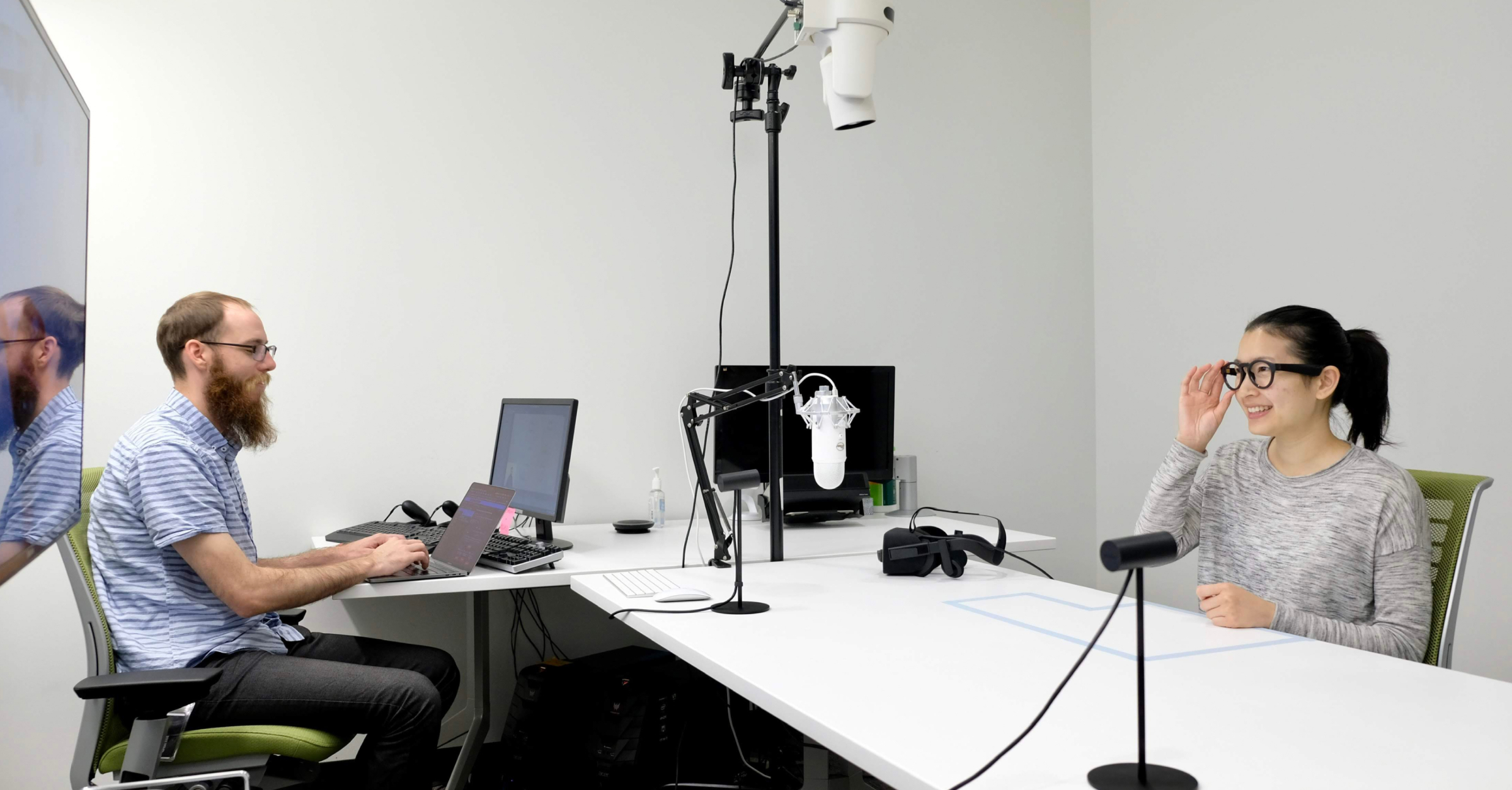
At Blink, we work with contractors who use assistive technologies every day. Their lived experience gives us invaluable insight during design and testing. One of our partners, Zack Kline, who is blind, helps evaluate concepts to make sure they succeed in real-world conditions.
Our usability research for Ray-Ban Meta's AI-enabled glasses has provided excellent utility for visually impaired users. Blind and visually impaired people can now access hands-free the Be My Eyes platform, which connects blind and visually impaired users with volunteers to assist with managing everyday tasks—but the technology continues to be improved via regular input from blind and visually impaired users.
Pro Tip
Include disability communities as research and design partners, not just testers. And wherever possible, connect accessibility work to your organization’s broader diversity, equity, and inclusion efforts.
"The Accessibility Team is the team most obsessed with customers who don’t always have a voice."
Ted Drake, Global Accessibility Leader, Intuit
Making Accessibility Operational and Sustainable
Operationalizing accessibility is not about heroics. It is about building systems that enable everyone to contribute consistently. That includes:
- Defining clear roles and responsibilities
- Providing role-specific learning paths
- Embedding accessibility into tools and workflows
- Monitoring accessibility through automation
- Measuring progress and celebrating success
Organizations that prioritize accessibility create better products, expand their markets, reduce legal risk, and foster more inclusive cultures. This work is not always easy, but the benefits are worth it.
Joe Welinske is Blink's Accessibility Director and the founder and leader of celebrated UX conference ConveyUX.
Need help with developing accessibility strategies that can scale? Let’s talk!